Value for Value ⚡️
Handling Audio Formats
Episode Summary
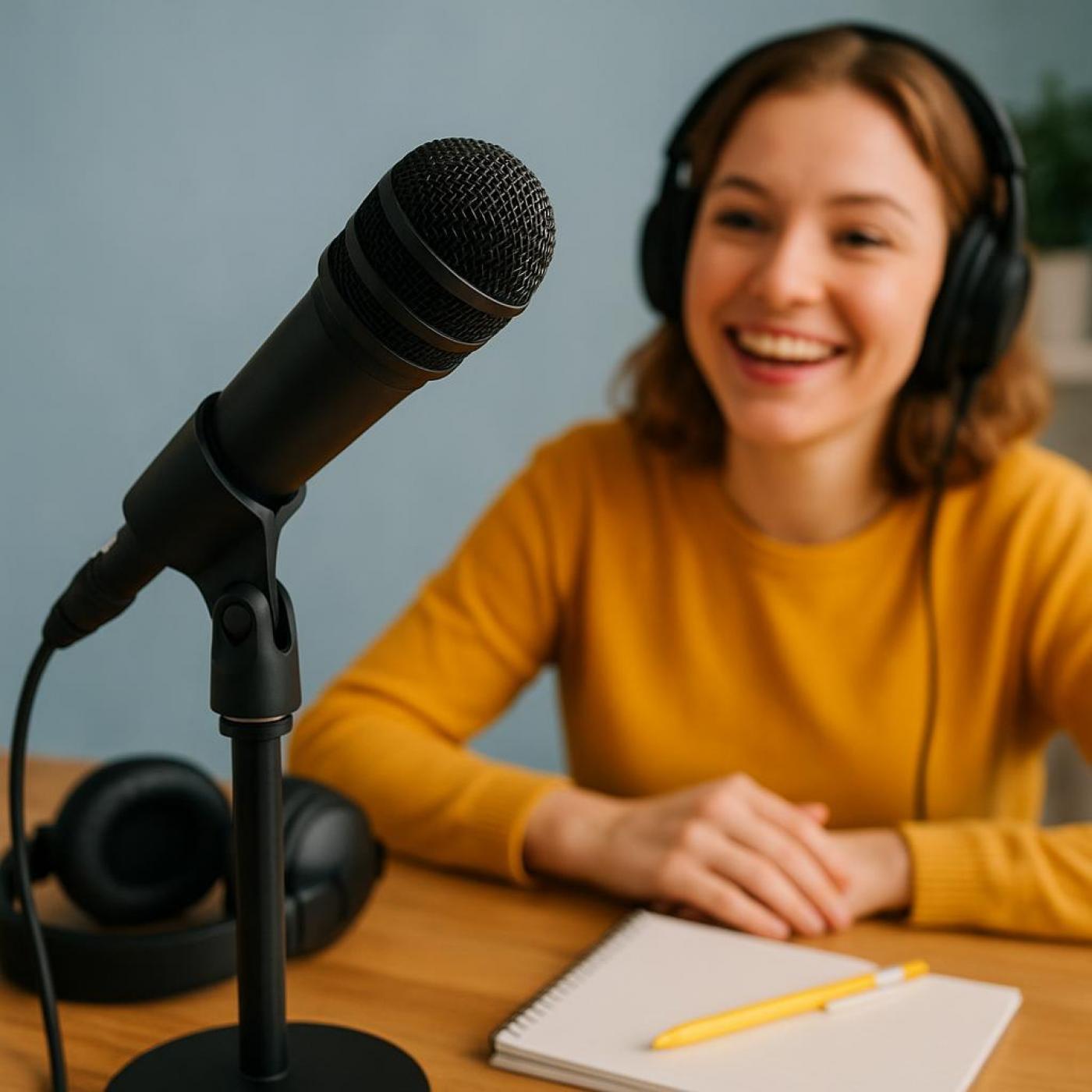
Whether you’re just starting out or refining your setup, great audio is the foundation of a great podcast. In today’s episode of Podcast Insider, we share practical tips for getting professional-sounding results—covering mic choice, positioning, background noise reduction, recording formats, and techniques to boost your on-mic confidence. Follow these steps and you’ll sound clearer, warmer, and more engaging to your listeners.
Today’s Hosts: Mike Dell and Todd Cochrane
🎧 Mic Tips for Your Best Podcast Sound
Use the Right Mic (and Know How to Use It)
A dynamic mic (like the Shure SM7B or Samson Q2U) is great for voice and podcasting.
Speak into the correct side—usually the front, not the top.
Mic Positioning Matters
Stay about 2–3 inches from the mic.
Use a pop filter or windscreen to reduce plosives (hard P and B sounds).
Slightly angle the mic off-center from your mouth to avoid breath noise.
Reduce Background Noise
Record in a quiet, carpeted room with soft furnishings.
Turn off fans, HVAC, and silence notifications.
Consider a noise gate or suppression plugin if needed.
Let Blubrry Master Your Audio Automatically
Hosting customers can use Media Mastering by Auphonic, an add-on that automatically enhances your audio file during upload.
It balances loudness, reduces background noise, and smoothes out small mic imperfections — giving your episode a polished, professional sound without extra effort.
Watch Your Levels
Aim for -12dB to -6dB when recording. Avoid peaking (clipping).
Use headphones to monitor while recording—this helps catch issues early.
Record in WAV, Not MP3
Always record in uncompressed formats (like WAV) for highest quality, then convert to MP3 for publishing.
🎤 Confidence Tips for Sounding Natural and Engaging
Practice Before Recording
Do a short “warm-up” session. Talk out loud about your topic for a few minutes off-mic.
Practice your intro and key points—don’t wing it unless you’re a seasoned pro.
Use Bullet Po